Expert-led sessions
Clear explanations from industry experts, with live demonstrations.
Schedule a free connect with me on your AI journey Book your 10min slot.
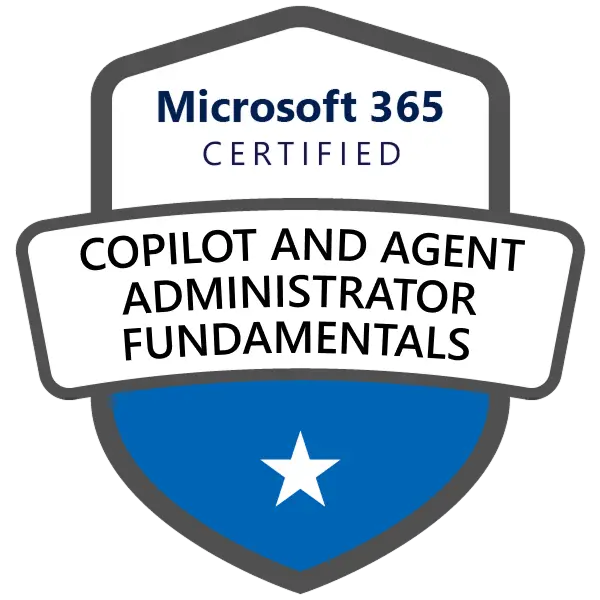 Aligned to Microsoft Certification
Learn to administer Microsoft 365 Copilot and agents: understand core services, secure identities and data, manage licences, monitor adoption and apply governance across your organisation.
Prepare to support an AI-enabled Microsoft 365 environment
Introducing Copilot and agents brings new responsibilities for IT teams: understanding who can access information, how services are configured and which controls protect organisational data. This one-day course gives aspiring administrators and entry-level IT professionals a foundation in the Microsoft 365 services and administrative concepts needed to support AI adoption.
Understand the services behind Copilot
Explore how Exchange Online, SharePoint and Teams organise mail, files and collaboration, and how users, groups, roles and licences affect access. Become familiar with the Microsoft 365, Exchange, SharePoint and Teams admin centres, then consider the identity and security principles that underpin trustworthy access, including Microsoft Entra ID, multifactor authentication, conditional access and Zero Trust.
Protect organisational information
Copilot works with information users are permitted to access. Discover why permissions, oversharing and Microsoft Graph matter when assessing AI readiness. Explore Microsoft Purview capabilities for sensitivity labels, retention, data loss prevention, eDiscovery and AI data security posture management. Learn to recognise risks and identify the administrative tools used to investigate them.
Manage Copilot and agents responsibly
Compare Copilot and agents, explore licensing and pay-as-you-go considerations, and review the basics of enabling features, monitoring usage and governing prompts. Understand agent access, approval and lifecycle monitoring through Microsoft 365 and Power Platform administration. The emphasis is on basic tasks, not building complex custom AI systems.
Effective AI administration begins with understanding who can access what, how information is protected and how agents are governed.
— AIWorkVerse
Clear explanations from industry experts, with live demonstrations.
Practical business scenarios to illustrate key concepts and applications.
Peer learning and shared ideas to deepen understanding.
Key takeaways and next steps to help you prepare for the exam.
Microsoft Certifications are subject to passing the related exam.
Please read the exam guide carefully. Your instructor also will help you with exam related queries.
Exam Fees is included as part of this training.
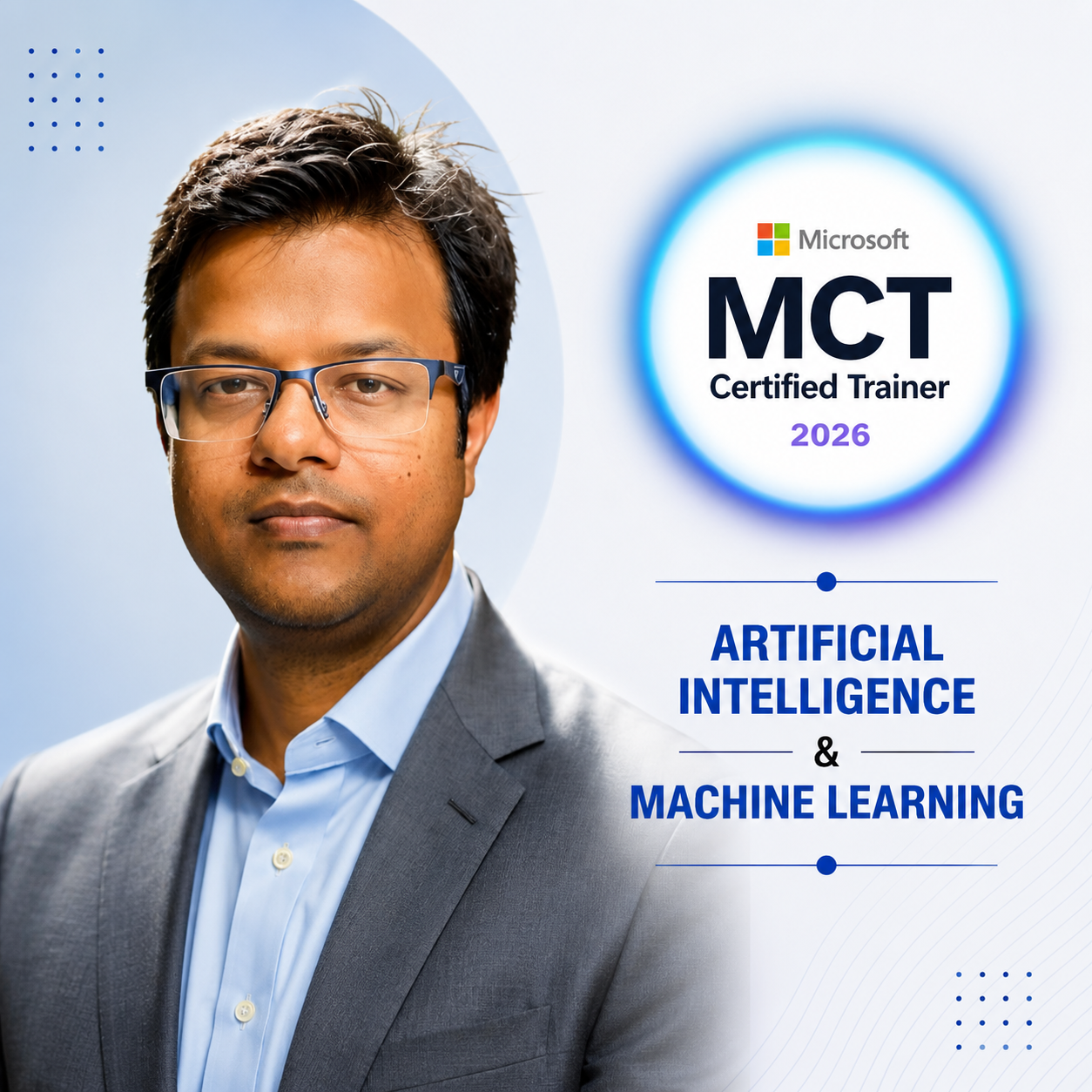
AI transformation and enterprise technology leader with extensive experience in AI adoption, business operations, change management and professional training.
Yes. It introduces core services and administrative concepts without requiring prior hands-on administration experience.
Basic familiarity with Microsoft 365, user accounts and common collaboration services will help you follow the content.
Yes. The syllabus covers Entra ID, authentication, conditional access, Zero Trust and relevant security controls.
Yes. It introduces sensitivity labels, DLP, retention, risk monitoring and SharePoint data access governance.
You will explore licensing, usage reports, prompts, agent access, approval and monitoring at a foundational level.
Coding is not required. A tenant can support extra practice, but access or labs are not included unless confirmed.
The exam voucher is included only if your selected AIWorkVerse package explicitly states that it is included. Otherwise, you must book and pay for the official exam separately.
 GitHub Certified: Agentic AI Developer (GH-600)Operate AI coding agents in GitHub development workflows.
 Microsoft Certified: AI Agent Builder Associate (AB-620)Design and integrate enterprise AI agents in Copilot Studio.
 GitHub Copilot (GH-300)Use GitHub Copilot to develop, review and test code.
 Microsoft AI Transformation Leader (AB-731)Learn to lead enterprise AI transformation using Microsoft technologies.