Expert-led sessions
Clear explanations from industry experts, with live demonstrations.

Schedule a free connect with me on your AI journey Book your 10min slot.
 Aligned to Microsoft Certification
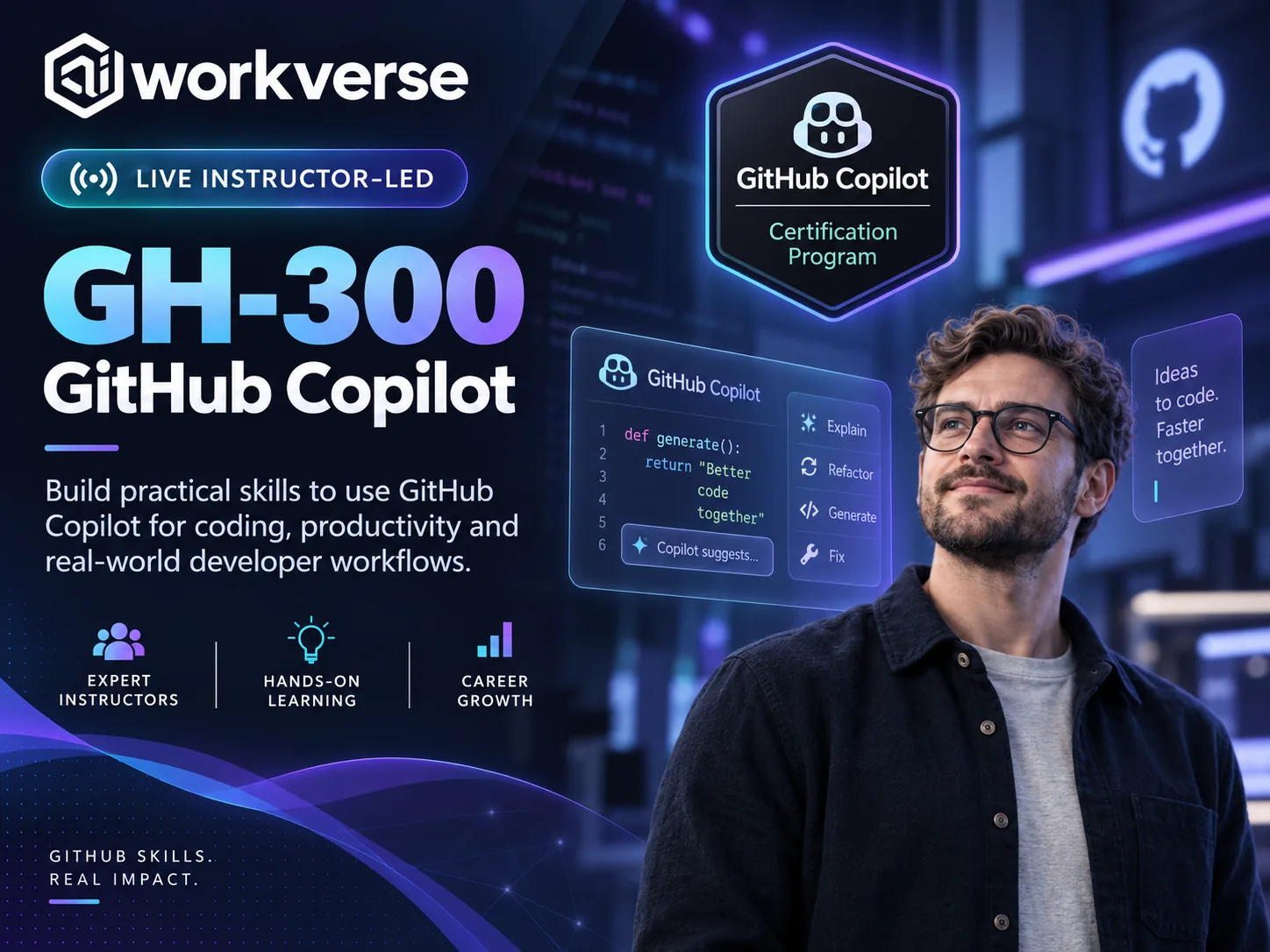
Use GitHub Copilot across IDEs, CLI and GitHub to develop, review and test code. Apply effective prompting, agent workflows and privacy controls to improve software quality and delivery.
Bring AI assistance into your development workflow
Copilot supports more than code completion. This one-day course helps developers and DevOps professionals use its capabilities across the software development lifecycle, while retaining responsibility for correctness, quality and security. You will explore practical ways to make Copilot useful within the IDE, command line and GitHub rather than relying on generated suggestions without review.
Work effectively with Copilot
Examine inline suggestions, chat, Copilot CLI and agent mode, including when to use each experience. Discover how to shape useful prompts with relevant repository context, examples and clear acceptance criteria. Explore reusable instructions and prompt files, and consider how agent sessions, sub-agents and MCP-connected tools can support more involved development activities.
Improve code, tests and collaboration
Learn where Copilot can assist with drafting, understanding, refactoring and documenting code. Consider the value of generated unit and integration tests, edge-case identification and performance or security suggestions. Explore pull request summaries, Copilot code review and the need to review changes.
Understand data handling and safeguards
Review how prompts and context are processed, where Copilot's limitations arise and how different plans and organisational settings affect use. Understand content exclusions, public-code matching controls, privacy choices and auditability. Discuss responsible AI principles and the importance of validating output before it reaches a shared repository.
Prepare for GitHub certification
The course aligns with the GH-300 study guide effective 7 August 2026. It provides structured coverage of core features, prompt engineering, architecture, developer productivity and governance. Prior coding and GitHub experience will help you apply the material, and further personal practice may be useful before the assessment.
Copilot can accelerate development, but useful results still depend on precise context, thoughtful review and secure engineering habits.
— AIWorkVerse
Clear explanations from industry experts, with live demonstrations.
Practical business scenarios to illustrate key concepts and applications.
Peer learning and shared ideas to deepen understanding.
Key takeaways and next steps to help you prepare for the exam.
Microsoft Certifications are subject to passing the related exam.
Please read the exam guide carefully. Your instructor also will help you with exam related queries.
Exam Fees is included as part of this training.
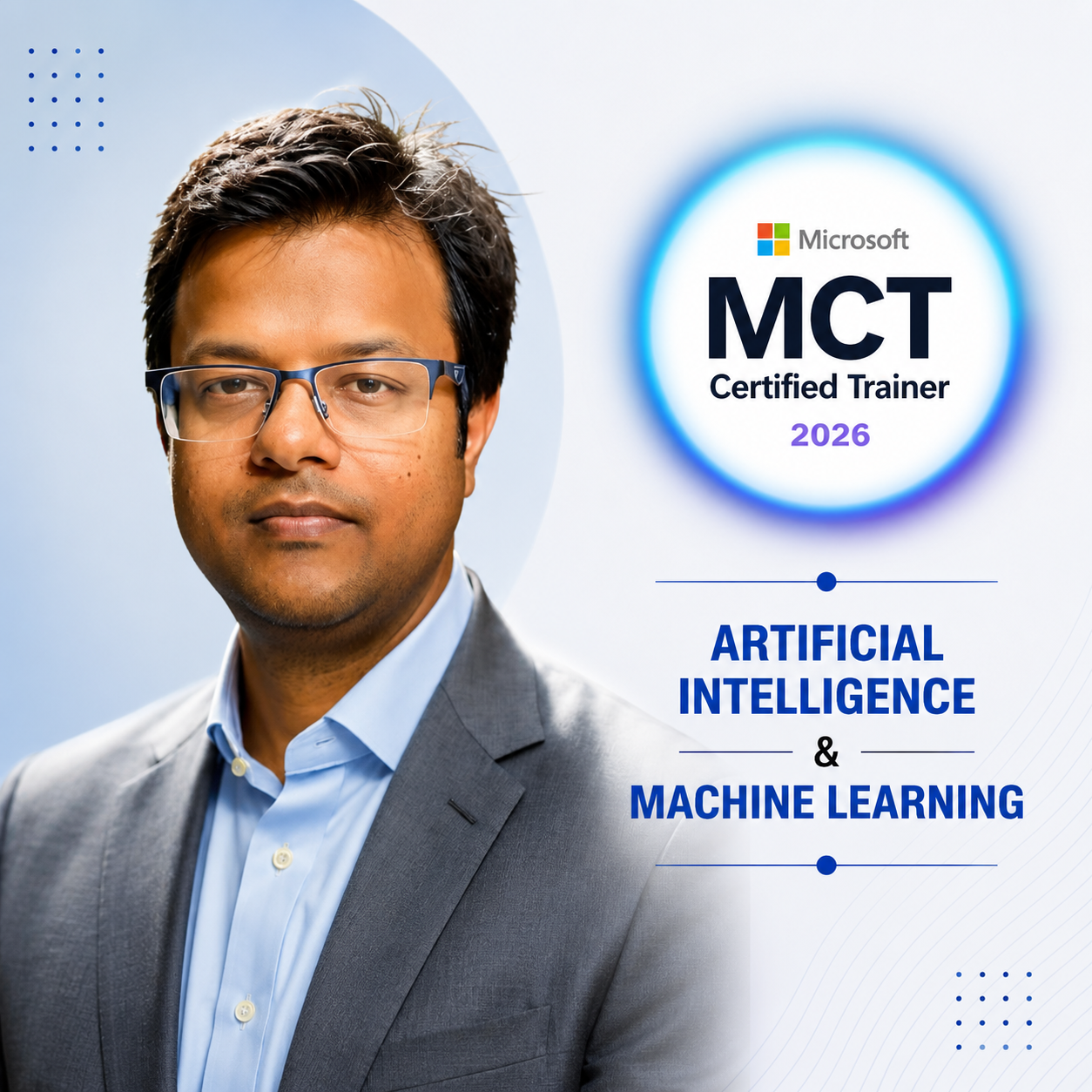
AI transformation and enterprise technology leader with extensive experience in AI adoption, business operations, change management and professional training.
Developers and DevOps professionals who use GitHub Copilot for coding, testing, review and secure delivery.
You should know GitHub fundamentals and have experience with at least one programming language.
Yes. The syllabus includes CLI, IDE experiences, agent mode, MCP, sub-agents and reusable prompts.
Yes. It can suggest changes, tests and reviews, but you remain responsible for validating all output.
Yes. It covers content exclusions, public-code filtering, policy controls, subscriptions and audit logs.
No subscription is promised; check your AIWorkVerse booking for access, licences and any practice resources.
The exam voucher is included only if your selected AIWorkVerse package explicitly states that it is included. Otherwise, you must book and pay for the official exam separately.
 Microsoft 365 Certified: Copilot and Agent Administration Fundamentals (AB-900)Learn to administer Microsoft 365 Copilot and agents.
 GitHub Certified: Agentic AI Developer (GH-600)Operate AI coding agents in GitHub development workflows.
 Microsoft Certified: AI Agent Builder Associate (AB-620)Design and integrate enterprise AI agents in Copilot Studio.
 Microsoft AI Transformation Leader (AB-731)Learn to lead enterprise AI transformation using Microsoft technologies.