
AI Workshop
LIVE INSTRUCTOR-LED
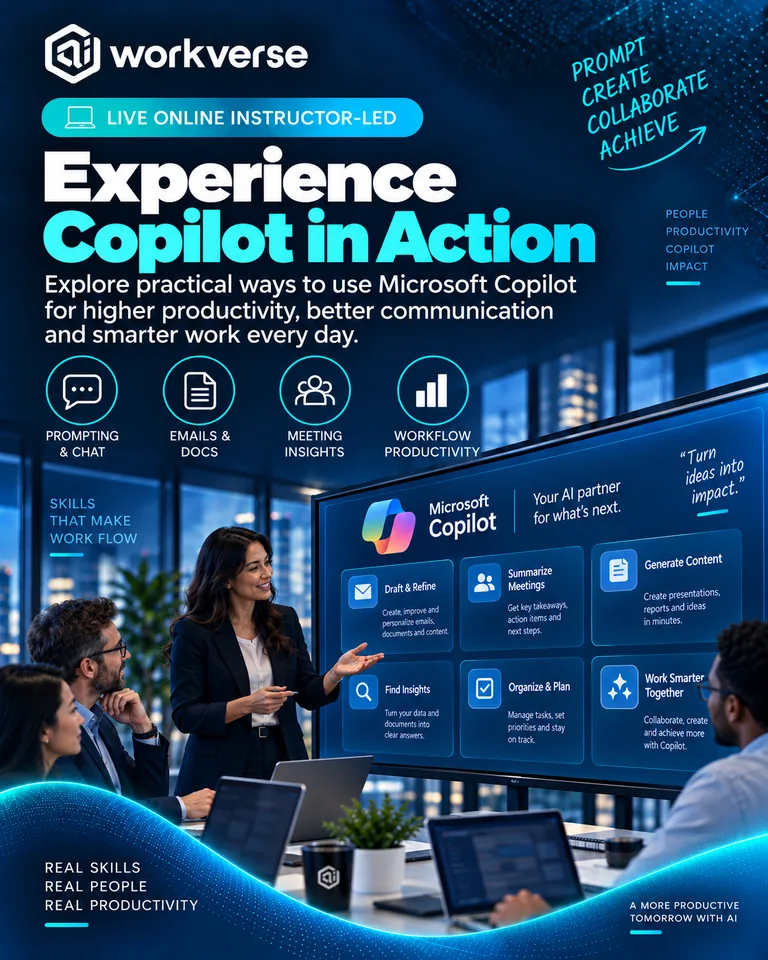
Copilot Immersion Experience
Experience how Microsoft Copilot can support a working day through realistic, role-based scenarios across common business tasks.
Experience Copilot through end-to-end work scenarios and identify the moments where it can save time or improve quality.
3 hours Team Workshop Activities and Re-usable content Certificate of participation
Workshop Overview
Overview
Understanding Copilot is easier when people experience it in the flow of work rather than through feature demonstrations.
The Copilot Immersion Experience is a guided, hands-on session built around realistic workplace scenarios. Participants use Copilot to prepare for meetings, work with documents, create content, synthesise information, analyse options and communicate more effectively.
The goal is to help participants recognise where Copilot can genuinely improve their work, how to prompt it effectively and where human review remains essential.
Key Outcomes
By the end of this workshop, you'll be able to:
Understand how Copilot can support common knowledge-work activities.
Use effective prompting patterns in realistic work scenarios.
Prepare for meetings by synthesising available context and generating useful questions.
Create, summarise and improve business content with Copilot assistance.
Turn information into actions, decisions and concise updates.
Compare approaches and generate structured options.
Recognise when outputs require verification or human judgement.
Identify repeatable Copilot use cases for your role.
Apply sensible data and responsible-use practices.
Create a personal adoption plan for continued experimentation.
Workshop Agenda
Explore the workshop
1 Welcome to the Immersion
Set expectations, responsible-use principles and scenario context.
2 Start the Day
Prioritise work, summarise context and prepare an action plan.
3 Prepare for a Meeting
Gather context, develop questions and clarify desired outcomes.
4 Work with Information
Summarise, compare and extract insights from business content.
5 Create and Communicate
Draft and refine documents, messages and stakeholder updates.
6 From Meeting to Action
Turn notes and discussion into decisions, actions and follow-ups.
7 Analyse and Decide
Structure options, trade-offs and next-step recommendations.
8 Your Copilot Opportunities
Identify high-value role-specific scenarios and build an adoption plan.
Who It's For
Built for people doing the work
Business professionals
Managers and leaders
Project and delivery teams
Product teams
Operations professionals
HR, finance and support functions
Transformation teams
Teams beginning or expanding Microsoft Copilot adoption
Hands-on Activities
Learn by doing
Practical exercises you'll complete during the workshop.
Meeting preparation challenge
Document synthesis exercise
Content creation and refinement
Notes-to-actions workflow
Decision-support scenario
Prompt improvement challenge
Personal Copilot opportunity map
You'll Leave With
Practical assets you can reuse
Copilot Prompt Guide
Role-Based Scenario Pack
Meeting Preparation Workflow
Information Synthesis Template
Notes-to-Actions Workflow
Output Review Checklist
Personal Copilot Opportunity Map
Adoption Action Plan
Certification
Certificate of completion
Certificate of participation is included with this workshop.
Instructor
Meet your instructor
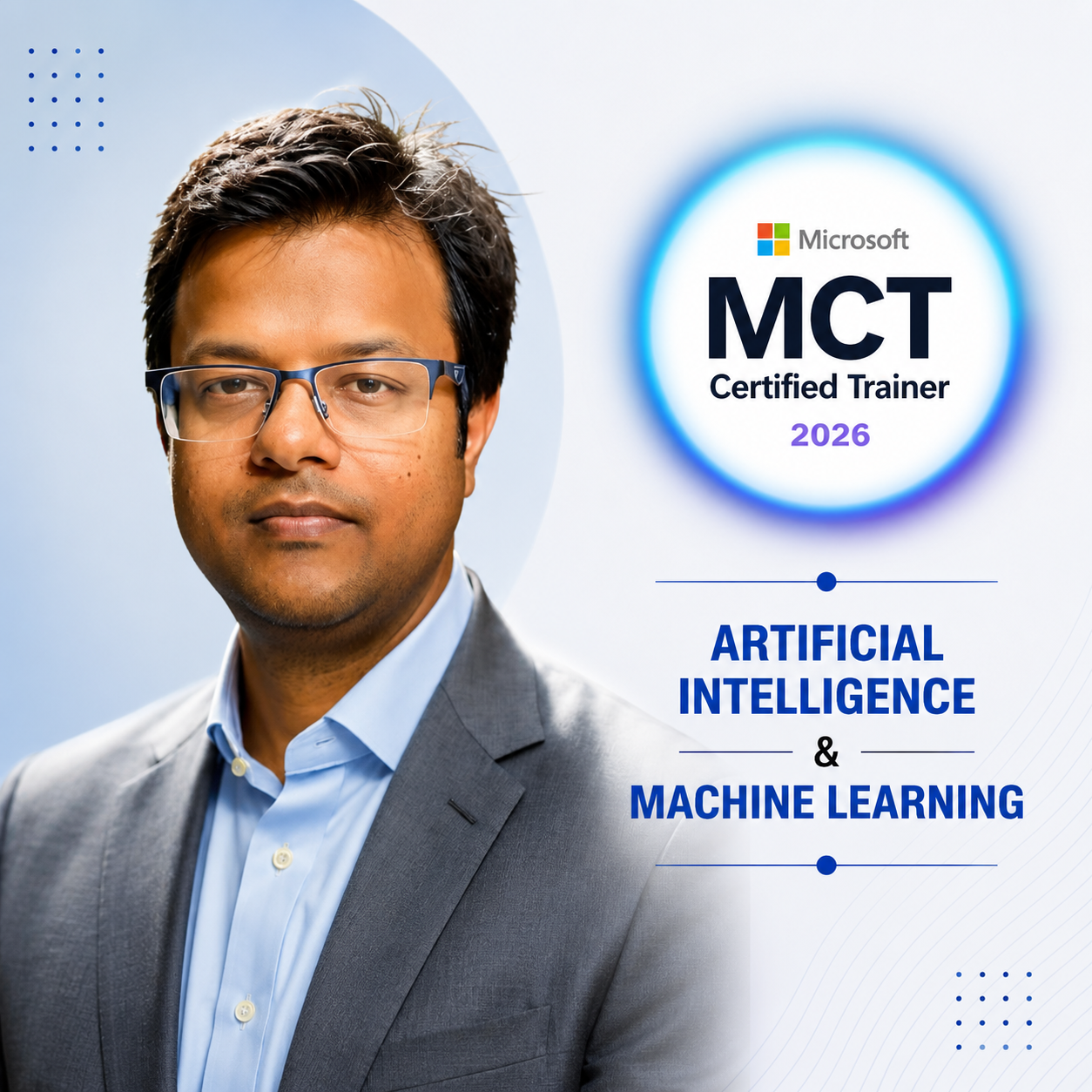
Rajiv Goel
AI Transformation Leader and Microsoft Certified Trainer
Microsoft Certified Trainer with experience helping organisations translate Copilot and generative AI capabilities into practical workplace adoption.
FAQs
Common questions
Do I need Microsoft Copilot access?
Hands-on participation is best with access to the relevant Copilot experience in your organisation. A demonstration-led version can also be arranged.
Is this a product demonstration?
No. The session is built around realistic work scenarios and participant practice rather than a feature tour.
Is it suitable for beginners?
Yes. Participants are guided through effective prompting and responsible use.
Will everyone follow the same scenarios?
Core scenarios are shared, with opportunities to adapt prompts to individual roles.
Does it cover every Microsoft 365 application?
No. The focus is on representative end-to-end work rather than exhaustively covering individual features.
How is data privacy handled?
Participants should use approved organisational tools and suitably safe content. Organisational policies always take precedence.
Can it be tailored to our functions?
Yes. Scenarios can be adapted for leadership, project delivery, HR, finance, operations and other teams.
What is the main outcome?
Participants leave with practical experience, reusable prompts and a clear set of Copilot opportunities to try in their role.